Marketplace Bargains With Strings Attached: A Buyer's Audit for Used Smart Devices
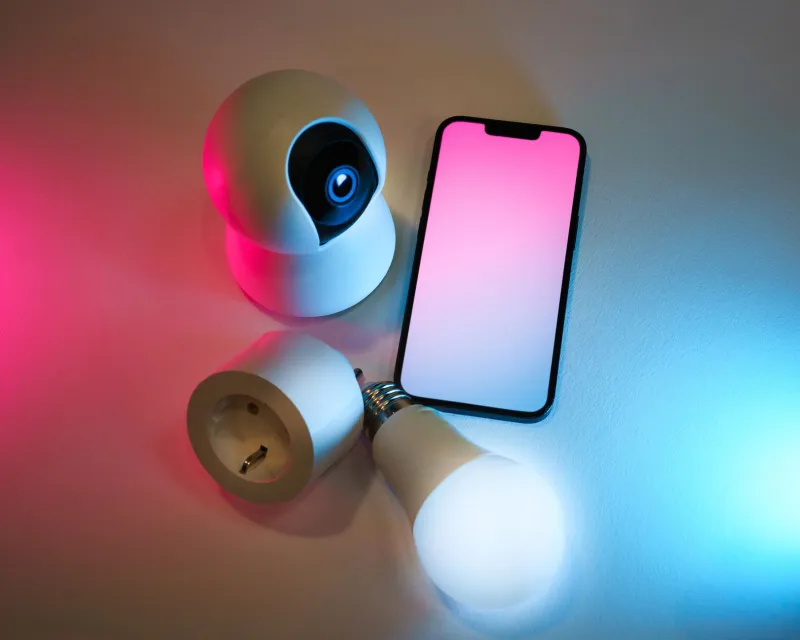
The secondhand market for smart devices is enormous and largely unregulated. Facebook Marketplace, Craigslist, and neighborhood garage sales move thousands of smart speakers, cameras, and thermostats every week at prices that make retail look absurd. Sometimes those prices reflect a genuine bargain. Just as often, they reflect a device the seller can't fully use — and can't fully explain why.
Unlike certified refurbished gear from a manufacturer, a peer-to-peer smart device purchase comes with zero guarantees. Here's how to shop like an auditor.
Why Smart Devices Are Different From Used Toasters
A used toaster works or it doesn't. A used smart device has three layers of ownership: the physical hardware, the firmware running on it, and the cloud account it's bound to. Any one of them can be broken, outdated, or compromised — and a seller may not know which.
The most common trap is account lock. Devices from Ring, Nest, Wyze, and most camera makers are registered to the original owner's account and cannot be activated by anyone else until that owner removes them. If the seller has lost access to the original email or the device was inherited from a deceased relative, you may be buying a paperweight.
The Pre-Purchase Questions
Message the seller before meeting and ask:
- Is the device removed from your account? Ask them to do it in front of you, not before. "I already deleted it" is unverified.
- Is it factory reset? For most devices, reset is done from the app, not the hardware button alone.
- Do you have the original charger and cables? Proprietary power supplies are expensive to replace and frequently missing from resale listings.
- Why are you selling? Vague answers around cameras and speakers deserve extra scrutiny.
The In-Person Test Drive
Never buy a used smart device sight unseen if you can avoid it. Bring your phone, ask to connect to the seller's hotspot or a guest network, and run through this sequence:
- Power it on and attempt setup. If the app says the device is registered to another account, walk away — or insist the seller remove it while you watch.
- Check firmware status. A device years behind on updates may be stranded on a dead cloud service or carry known unpatched vulnerabilities.
- Listen and look. Cameras should show a clean, live feed. Speakers should respond to voice. Thermostats should power their display and respond to controls.
- Inspect for tampering. Scratched screws, mismatched adhesive, or a replaced serial number sticker are red flags for stolen or reassembled goods.
The Reset Verification Step Most Buyers Skip
A factory reset from the seller's side isn't always complete. After you get the device home, run your own reset from a fresh account before connecting it to your main network. This does two things: it guarantees no residual configuration or — in the worst case — the previous owner's video clips, Wi-Fi credentials, or account tokens remain embedded, and it ensures the device is fully under your control from a clean slate.
For cameras and doorbells especially, check the storage: an SD card left inside may contain months of the previous owner's home footage. Format or remove it immediately.
Categories to Never Buy Used
Some device classes fail the risk-reward math no matter how low the price:
- Cloud-dependent cameras from defunct or de-platformed brands. If the service shut down, the hardware is junk.
- Smart locks. You can't verify the lock's history, whether previous codes were cleared, or whether it was recalled.
- Anything with a sealed battery (older video doorbells, certain sensors), where battery degradation is invisible and replacement is impossible.
- Devices without serial numbers or with mismatched serials — these are frequently stolen, and some manufacturers will refuse support.
The Bottom Line
The secondhand smart device market can genuinely stretch a budget — a used Echo speaker at a garage sale is often a fine buy. But apply the same skepticism you'd bring to a used car: verify ownership, test before paying, reset on your own terms, and know which categories are simply off the list. A fifty percent discount means nothing on a device that never connects.