Room-by-Room: How Your Smart Home Devices Are Silently Inflating Your Electric Bill
There's a particular irony embedded in the modern smart home: the same devices marketed as tools for efficiency and convenience are, in many cases, quietly consuming electricity around the clock — whether you're using them or not. This phenomenon, commonly called phantom load or standby power draw, is not new. What is new is the sheer number of connected devices now installed in the average American household, each contributing its own small but persistent drain on the power grid.
According to the U.S. Department of Energy, standby power accounts for roughly 5 to 10 percent of residential electricity use. At the national average electricity rate of approximately $0.16 per kilowatt-hour (kWh) — a figure that climbs considerably higher in states like California, Hawaii, and New York — those idle watts add up fast. The goal of this guide is simple: give you the data, the framework, and the tools to audit your smart home intelligently and reduce unnecessary energy expenditure without dismantling the convenience you've built.
Understanding Phantom Load: Why "Off" Isn't Always Off
Most smart home devices are never truly powered down. They remain in a low-power listening state, waiting for a command, a ping from the cloud, or a scheduled automation trigger. This is by design — it's what makes them "smart." But that readiness comes at a measurable cost.
A device drawing just 2 watts continuously consumes roughly 17.5 kWh per year, costing approximately $2.80 annually at average US rates. That sounds negligible in isolation. But multiply that across 20, 30, or 40 smart devices — a realistic count for a moderately automated home — and you're looking at a meaningful line item on your utility bill.
The Worst Offenders, Ranked by Annual Cost
Not all smart devices are equal in their standby hunger. Here's a breakdown of common smart home hardware, their typical idle wattage, and estimated annual cost based on continuous operation at $0.16/kWh.
Network Infrastructure: The Always-On Backbone
Mesh Wi-Fi nodes are among the most overlooked energy consumers in the home. A single node typically draws between 6 and 12 watts continuously. A three-node mesh system running at an average of 9 watts per unit consumes approximately 236 kWh per year, costing around $37.80 annually — just to keep your network alive. Premium systems from brands like Eero Pro and Google Nest WiFi Pro tend to sit at the higher end of that range.
Smart home hubs — such as Samsung SmartThings, Amazon Echo (used as a hub), or dedicated Zigbee/Z-Wave coordinators — typically draw between 3 and 7 watts at idle, adding another $4 to $10 per year per device.
Security and Surveillance: Vigilance Has a Price
Video doorbells are continuous power consumers by necessity. Wired models from Ring and Nest draw between 1 and 4 watts at idle but spike significantly during motion-triggered recording or live view sessions. Over a full year, a wired video doorbell can consume 35 to 70 kWh, costing $5.60 to $11.20 annually in standby alone — not counting active use.
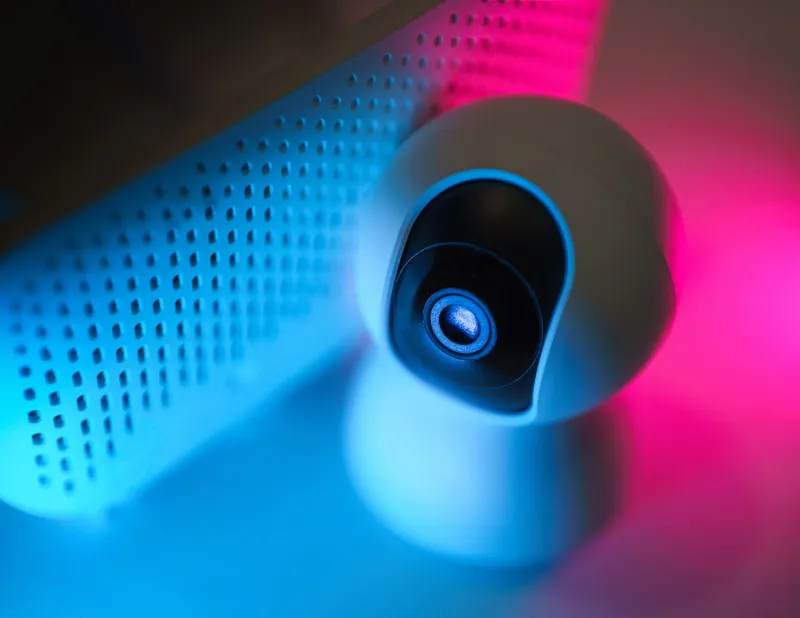
Indoor and outdoor security cameras, particularly those with continuous recording or always-on night vision, are heavier loads. A single wired IP camera can draw 5 to 15 watts depending on resolution and features. A four-camera system at 10 watts average represents 350 kWh per year — a $56 annual cost before you factor in any NVR or storage device running alongside it.
Living Room and Entertainment: Smarter Doesn't Always Mean Leaner
Smart TVs in standby mode draw between 0.5 and 2 watts, which is relatively modest. The larger concern is the supporting ecosystem: streaming sticks and set-top boxes (Apple TV, Roku Ultra, Fire TV Cube) often draw 1 to 4 watts in standby and can spike to 10 to 15 watts during active use. Leaving a streaming device in "standby" rather than fully powering it down adds a quiet but consistent cost.
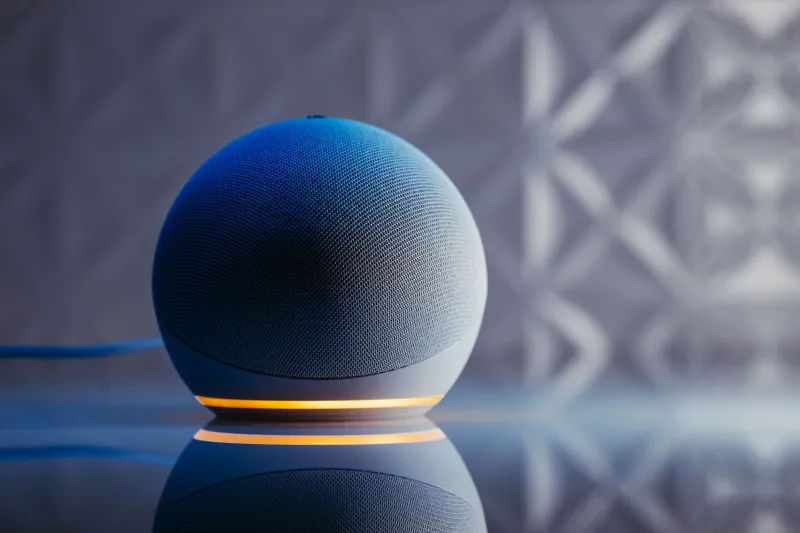
Smart speakers — including Amazon Echo and Google Nest Audio — draw between 1.5 and 3 watts at idle in their always-listening state. A household with four smart speakers distributed across rooms is paying roughly $8 to $17 per year simply for the privilege of voice activation.
Kitchen and Utility Areas: The Forgotten Devices
Smart plugs themselves consume power. This is perhaps the most counterintuitive finding for new smart home adopters. Depending on the brand and chipset, a smart plug draws between 0.3 and 2 watts at idle. If you've deployed 10 smart plugs throughout your home (a common configuration), you could be spending $2 to $11 per year on the plugs themselves — before accounting for whatever is plugged into them.
Smart appliances — refrigerators, dishwashers, and washing machines with Wi-Fi connectivity — add their own network modules to the base appliance draw. These modules typically add 1 to 3 watts of constant consumption.
Conducting a Room-by-Room Audit
The most effective way to understand your home's phantom load is to measure it directly rather than rely on estimates. A smart plug with energy monitoring (such as the Kasa EP25 or Emporia Vue smart plug) costs under $20 and provides real-time wattage data for any device plugged into it. For hardwired devices, a whole-home energy monitor like the Emporia Vue 2 or Sense Energy Monitor provides circuit-level visibility.
Follow this framework:
- Inventory every connected device in your home, room by room. Include routers, hubs, cameras, speakers, streaming devices, smart plugs, and any appliance with a Wi-Fi or Bluetooth radio.
- Measure idle wattage for each device using a monitoring plug or clamp meter.
- Calculate annual cost using the formula: (Watts ÷ 1,000) × 8,760 hours × $0.16 = Annual Cost
- Prioritize by impact. Focus first on devices drawing more than 5 watts at idle that you use infrequently.
Practical Strategies to Reduce Phantom Load
Use smart power strips for entertainment clusters. Grouping your TV, streaming device, and soundbar on a smart power strip allows you to cut power to the entire cluster with a single command or schedule — eliminating combined standby draws without manual unplugging.
Schedule network reboots during low-use hours. Some mesh routers allow you to schedule brief power cycles. While this doesn't reduce standby draw, it can improve efficiency and is a good maintenance habit.
Evaluate your camera system's recording mode. Switching from continuous recording to motion-triggered recording on IP cameras can reduce active power consumption by 30 to 60 percent, depending on traffic volume in the camera's field of view.
Audit your smart plug deployment. If a smart plug is controlling a lamp you operate manually 90 percent of the time, the plug may be adding more cost than it saves. Consolidate where automation genuinely adds value.
Consider a dedicated low-power hub. If you're running a full Amazon Echo as a hub primarily for Zigbee coordination, a dedicated Zigbee USB dongle paired with open-source software like Home Assistant on a low-power device (such as a Raspberry Pi Zero 2W drawing roughly 1 watt) can dramatically reduce hub-related standby draw.
The Bottom Line
A well-designed smart home doesn't have to be an energy-inefficient one. The key is visibility: you cannot manage what you haven't measured. By working through a structured audit and applying targeted interventions — smart power strips, scheduled automations, and camera optimizations — most households can realistically reduce phantom load by 20 to 40 percent without sacrificing meaningful functionality.
The devices you've invested in to make life more convenient should be working for your budget, not against it. A few hours of intelligent auditing today can translate into a quieter, leaner energy footprint for every year that follows.