7 Reasons Your Smart Home Is Still Just a Regular Home (And How to Fix Each One)
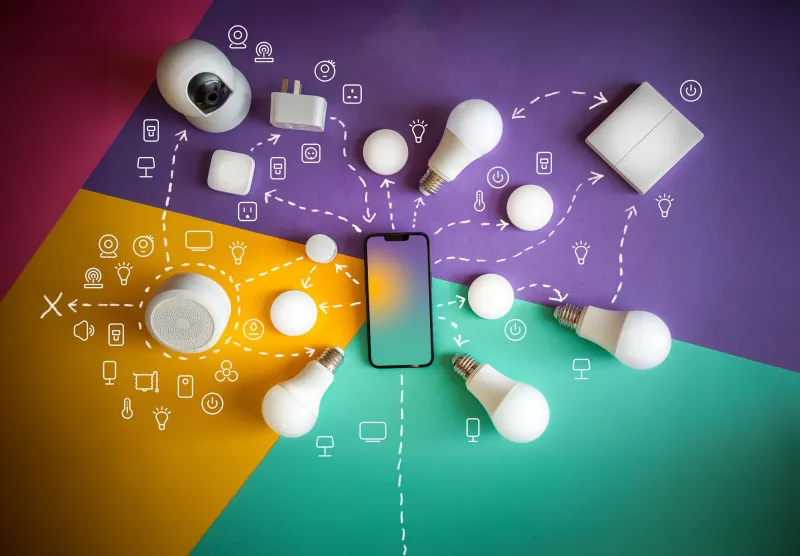
Let's be direct about something the smart home industry would prefer you not to dwell on: most smart home setups, as they exist in the average American household today, are not actually smart. They are expensive, voice-activated versions of things that previously worked fine on their own. Lights that require you to say "Hey Google, turn on the living room lights" instead of flipping a switch are not an upgrade in any meaningful sense. They are a lateral move dressed up in the language of innovation.
This is not a hardware problem. The devices themselves — from Philips Hue bulbs to Ecobee thermostats to Ring doorbells — are genuinely capable of sophisticated, context-aware automation. The problem is almost always in how they are set up, connected, and maintained. The following seven mistakes account for the vast majority of frustrating, underperforming smart home installations. More importantly, each one has a concrete fix.
Mistake 1: Building Across Incompatible Ecosystems Without a Plan
This is the foundational error, and it compounds every other problem on this list. A Nest thermostat, a SmartThings hub, a set of LIFX bulbs, and a Ring doorbell can each be excellent products in isolation. Together, without deliberate integration planning, they form four separate apps, four separate automation engines, and zero meaningful coordination between them.
The fix begins before you purchase anything additional. Establish a primary ecosystem — Amazon Alexa, Google Home, Apple HomeKit, or the increasingly relevant Matter standard — and evaluate every future device against its compatibility with that ecosystem. Matter, in particular, deserves attention: it is an open-source connectivity standard backed by Apple, Google, Amazon, and Samsung that allows devices from different manufacturers to communicate natively. If you are starting fresh or rebuilding a fragmented setup, prioritizing Matter-certified devices is the most future-proof decision you can make.
Mistake 2: Relying Entirely on Cloud Processing
When your smart home depends on a manufacturer's cloud server to execute every command, you have introduced a failure point that is entirely outside your control. Server outages, discontinued products, and changes to API policies have rendered expensive devices permanently inoperable for thousands of users. The 2023 discontinuation of Insteon's cloud service — which effectively bricked devices for its entire customer base overnight — is the starkest recent example.
Local processing is the solution. Platforms like Home Assistant, running on a dedicated device such as a Raspberry Pi or an Intel NUC, allow your automations to execute entirely within your home network. No internet connection required. No dependency on a company's continued goodwill. The setup curve is steeper than plug-and-play cloud solutions, but the reliability and control it provides are categorically superior.
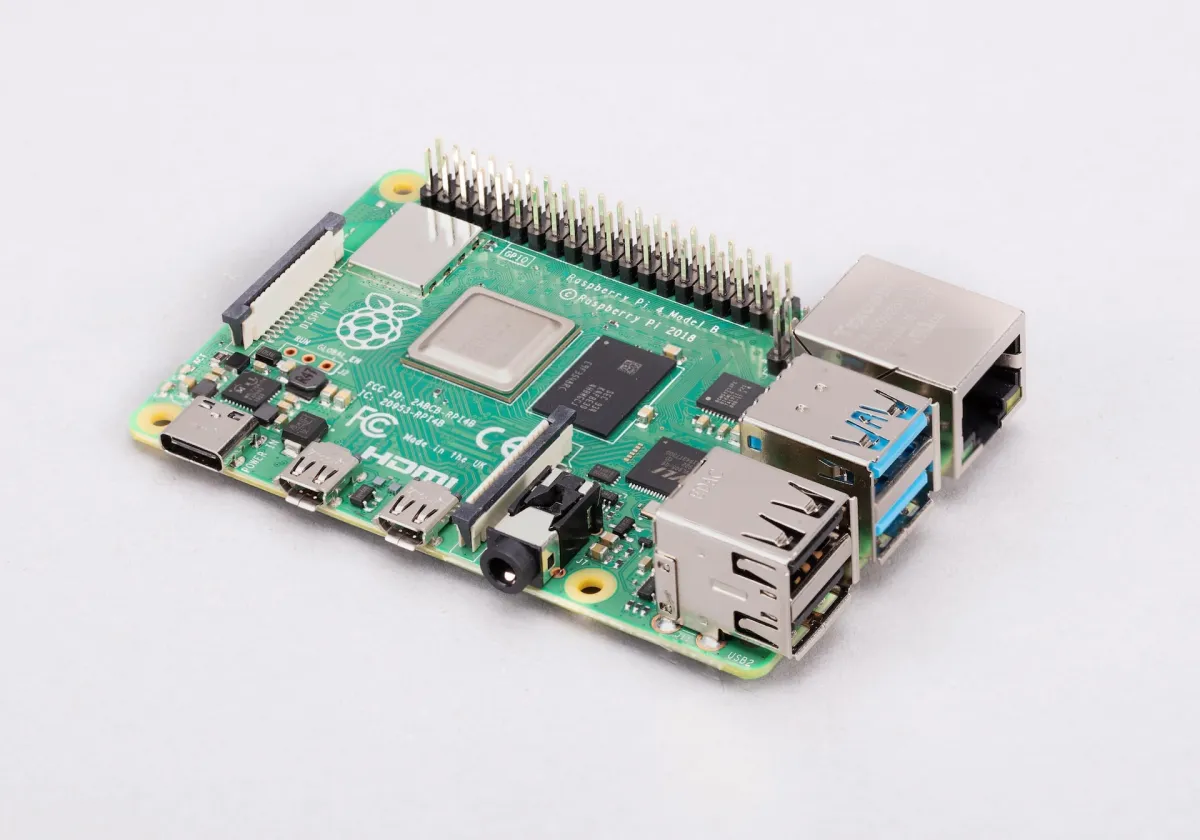 Photo: Raspberry Pi, via www.raspberrypi.com
Mistake 3: Automating Outputs Without Considering Triggers
Most beginners configure their smart home around outputs: smart bulbs, smart plugs, smart locks. Far fewer invest in quality triggers: the sensors, conditions, and contextual inputs that tell those outputs when and why to activate.
True automation requires good trigger logic. A motion sensor in the hallway that activates lighting only after sunset and only when the household is occupied is meaningfully smarter than a light you turn on with your voice. Presence detection — using your phone's GPS or dedicated presence sensors to determine whether anyone is home — unlocks an entirely different level of automation sophistication. Invest in quality contact sensors, motion detectors, and occupancy sensors before adding more controllable devices.
Mistake 4: Neglecting Your Home Network
A smart home is, at its core, a network-dependent system. Every device you add is a node on your Wi-Fi network, and most consumer routers are not configured to handle the load gracefully. The result is devices that drop off the network, respond inconsistently, or fail to execute automations at the scheduled time.
The practical corrections here are several. First, separate your smart home devices onto a dedicated IoT VLAN or, at minimum, a separate 2.4GHz network — many smart devices do not support 5GHz connections, and mixing them with high-bandwidth devices on the same band creates congestion. Second, consider a mesh networking system (Eero, Orbi, and Google Nest WiFi are all solid options) if your home has dead zones. Third, assign static IP addresses to your critical smart home devices so their network identity remains stable.
Mistake 5: Ignoring Security at the Device and Network Level
Smart home devices are endpoints — and endpoints are attack surfaces. Default passwords, unpatched firmware, and devices exposed directly to the internet are not hypothetical risks. They are documented, actively exploited vulnerabilities. A compromised smart camera is not just a privacy problem; it is a potential entry point into your broader home network.
The security checklist is not complicated, but it must be followed: change default credentials on every device immediately after setup, enable automatic firmware updates wherever the option exists, and place IoT devices on a network segment that cannot communicate with computers containing sensitive data. If your router supports it, disable UPnP (Universal Plug and Play), which many smart devices use to open ports automatically — often without your awareness.
Mistake 6: Over-Automating Too Quickly
There is a strong temptation, particularly after investing significant money in hardware, to automate everything at once. The result is almost always a system that behaves unpredictably, frustrates other household members who did not consent to the learning curve, and gets abandoned within weeks.
Smart home implementation works best incrementally. Begin with one or two high-impact automations — morning lighting scenes, automated thermostat schedules, or garage door status notifications — and live with them long enough to understand their failure modes before expanding. Automations that feel seamless are the product of iteration, not initial configuration. Patience at the outset saves significant troubleshooting time later.
Mistake 7: Failing to Account for Other Household Members
A smart home that only one person knows how to operate is not a smart home — it is a technical hobby with communal consequences. If your partner, roommate, or children cannot control the lights without asking you or consulting an app, the system has failed its most basic usability test.
Every automation and scene in your setup should have a manual override that is immediately intuitive. Smart switches that look and function like conventional switches (Lutron Caseta is the gold standard here) allow anyone to control devices without app access. Shared access to your home's ecosystem app, with appropriate permission levels, ensures that automations can be paused or adjusted by anyone who needs to. A smart home that empowers every resident is exponentially more valuable than one that impresses only its builder.
 Photo: Lutron Caseta, via i.kym-cdn.com
The gap between what smart home technology promises and what most installations deliver is not a hardware problem. It is a planning, integration, and prioritization problem — and every issue described above is entirely correctable. The devices sitting in your home right now are almost certainly capable of more than you're asking of them. The question is whether you're willing to configure them properly rather than settling for a voice-activated light switch and calling it innovation.